1. Synchronize data between home PCs and workplace PCs.
If you got internet connection at home and work. The easiest way is to use Dropbox Portable AHK. Download it, run it and select the folder where you want to sychronize your data. Then it is done. You can also access from your Android mobile by installing Dropbox.

2. Synchronize data between PCs and portable harddrive.
If you don't have internet at home or work, you can synchronize data between PC and portable harddrives. The free way is to use FreeFileSync. It got portable version as well.

3. Synchronize data between PCs and portable harddrive if you'd like to pay.
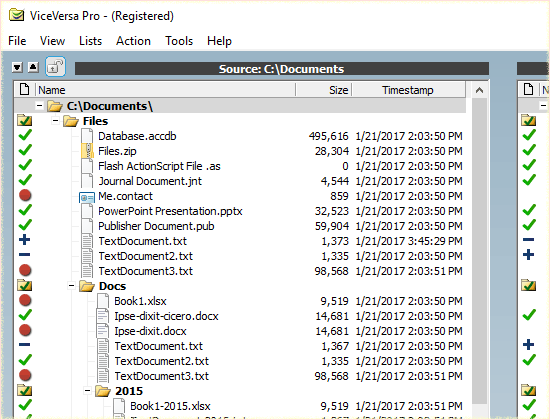
Vise Versa Pro is very powerful tool to compare and synchronize data if you got some money to pay.
4. Automatic synchronization between PC and portable harddrive when you insert and remove them if you'd like to pay.
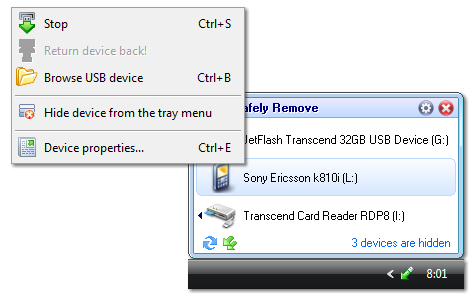
USB Safely Remove is a very powerful tool. It can automatically run command or program when you insert/remove an USB/eSATA device. Highly recommended. For example, you can run FreeFileSync or Vice Versa Pro after you inserting and before removing your portable harddrive to synchronize you data and make sure the data is up-to-date. I would suggest you to buy it.
How do you synchronize your data? Please leave comment below to share your way.

No comments:
Post a Comment